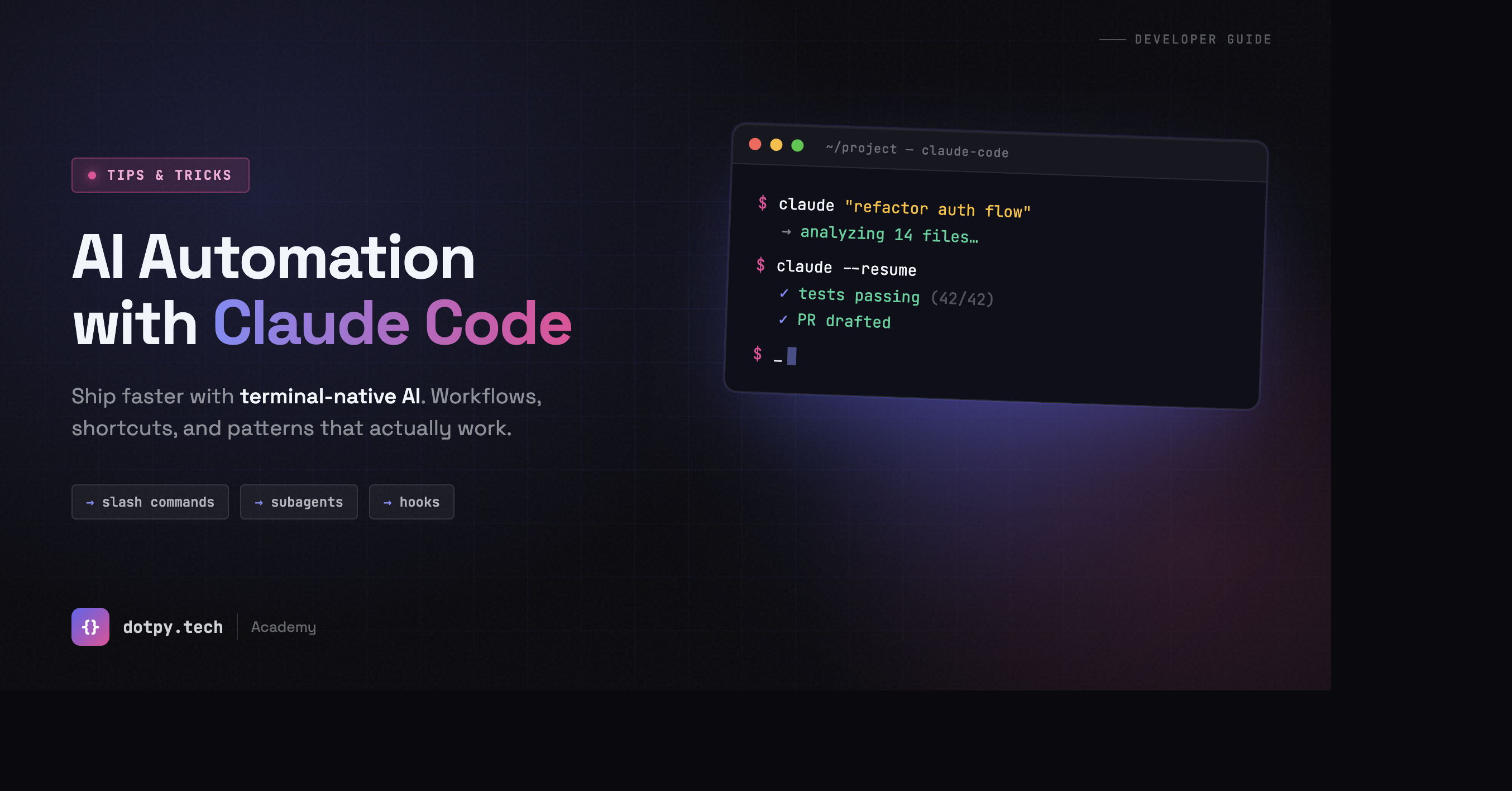
Automation with claude code
Automation with Claude Code
Master practical tips and tricks to automate your workflows efficiently and unlock the full potential of Claude Code.
Claude Code is a powerful command-line tool that brings AI automation directly to your terminal. Whether you're automating data processing, managing files, or orchestrating complex workflows, Claude Code eliminates repetitive tasks and accelerates your productivity. In this guide, we'll explore essential tips and tricks to help you master automation with Claude Code.
🚀 Essential Tips
Start Simple, Scale Fast
Begin with small, focused automation tasks. Test your scripts with sample data before scaling to production environments.
Leverage Context Windows
Provide clear, detailed prompts. The more context Claude has, the better it understands your automation requirements.
Use Environment Variables
Store API keys and sensitive data in environment variables. Never hardcode credentials in your scripts.
Monitor Execution Logs
Always check execution logs for errors and performance metrics. This helps identify bottlenecks and optimize workflows.
Batch Process Data
Process large datasets in batches to avoid timeouts and manage memory efficiently. Design for scalability from day one.
Test with Edge Cases
Always test your automation scripts with edge cases: empty files, special characters, null values, and extreme data sizes.
⚡ Pro Tricks
- Chaining Multiple Tasks
Combine Claude Code commands in shell scripts for seamless workflow automation. Use pipes and logical operators to chain operations together.
- Error Handling with Try-Except
Wrap Claude Code operations in proper error handling. Gracefully manage failures and log issues for debugging.
- Scheduling with Cron Jobs
Schedule Claude Code automation tasks using cron for periodic execution. Perfect for daily reports, backups, and data syncs.
- Integration with External APIs
Connect Claude Code with third-party APIs (Slack, Google Sheets, Telegram) to create powerful end-to-end automation workflows.
- Parallel Processing
Use threading or multiprocessing to handle multiple tasks simultaneously, significantly reducing execution time for parallel workflows.
- JSON Configuration Files
Store automation parameters in JSON config files. Load and update settings without modifying core code.
- Real-time Output Streaming
Stream results in real-time instead of waiting for batch completion. Provides immediate feedback on automation progress.
- Webhook Integration
Trigger Claude Code scripts via webhooks from external systems. Create event-driven automation workflows.
✓ Best Practices for Production
- Always version control your automation scripts using Git
- Document your Claude Code workflows with clear comments and README files
- Implement comprehensive error handling and logging strategies
- Test automation in staging environments before deploying to production
- Monitor resource usage (CPU, memory) to prevent system overload
- Use meaningful variable names and follow coding standards
- Implement rate limiting when interacting with APIs
- Keep sensitive data secure with encryption and access controls
- Set up automated alerts for critical automation failures
- Regularly review and optimize automation scripts for performance
Ready to Automate?
Start building powerful automation workflows with Claude Code today. Join thousands of developers automating their daily tasks.